Neural Deck
A downloadable game for Windows
A CCG with no copy-paste metas. No exact duplicates. Just you and the algorithm.
LINKS:
- Google Play — Download and play for free.
- Official Website — Check out the live leaderboard and search/view all player profiles.
THE STORY:
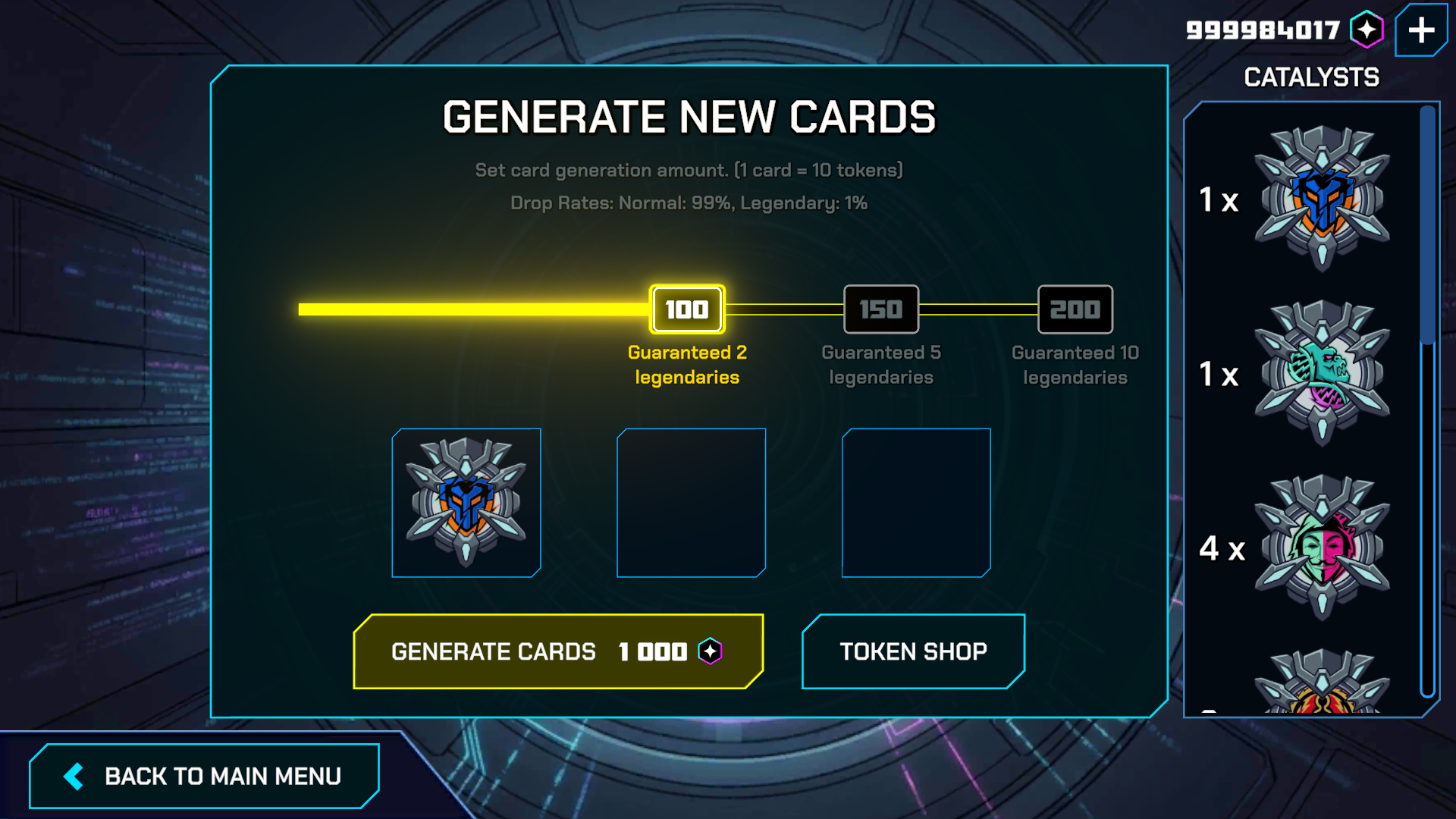
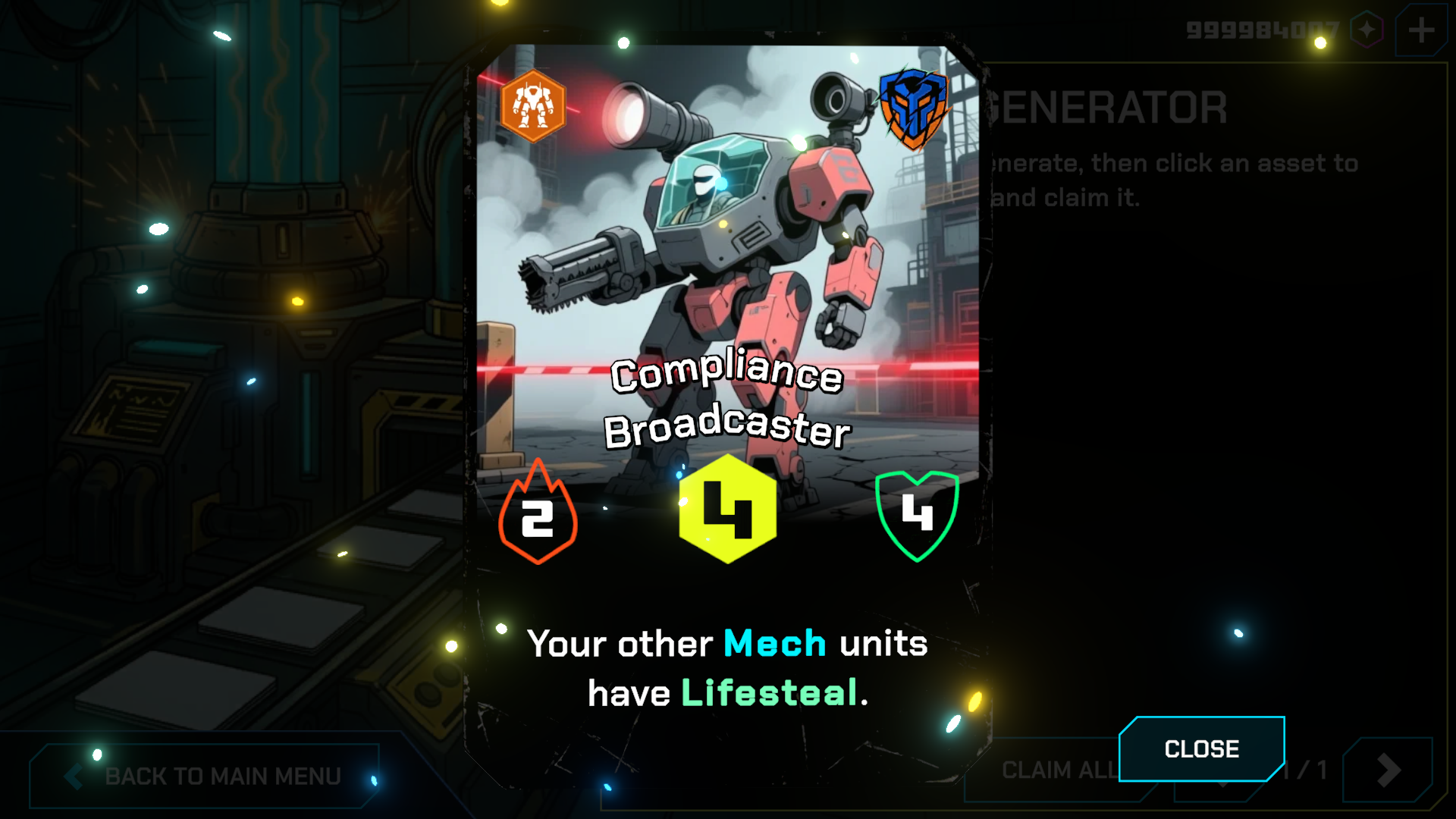
I always wanted to make a CCG like Hearthstone. When AI models became publicly accessible via APIs, I wondered if I could create a game that uses AI to dynamically generate the cards for each player. That’s how Neural Deck started. Every card you acquire is procedurally generated using generative models and balancing algorithms on the spot. Your deck is yours alone.
THE SYSTEM:
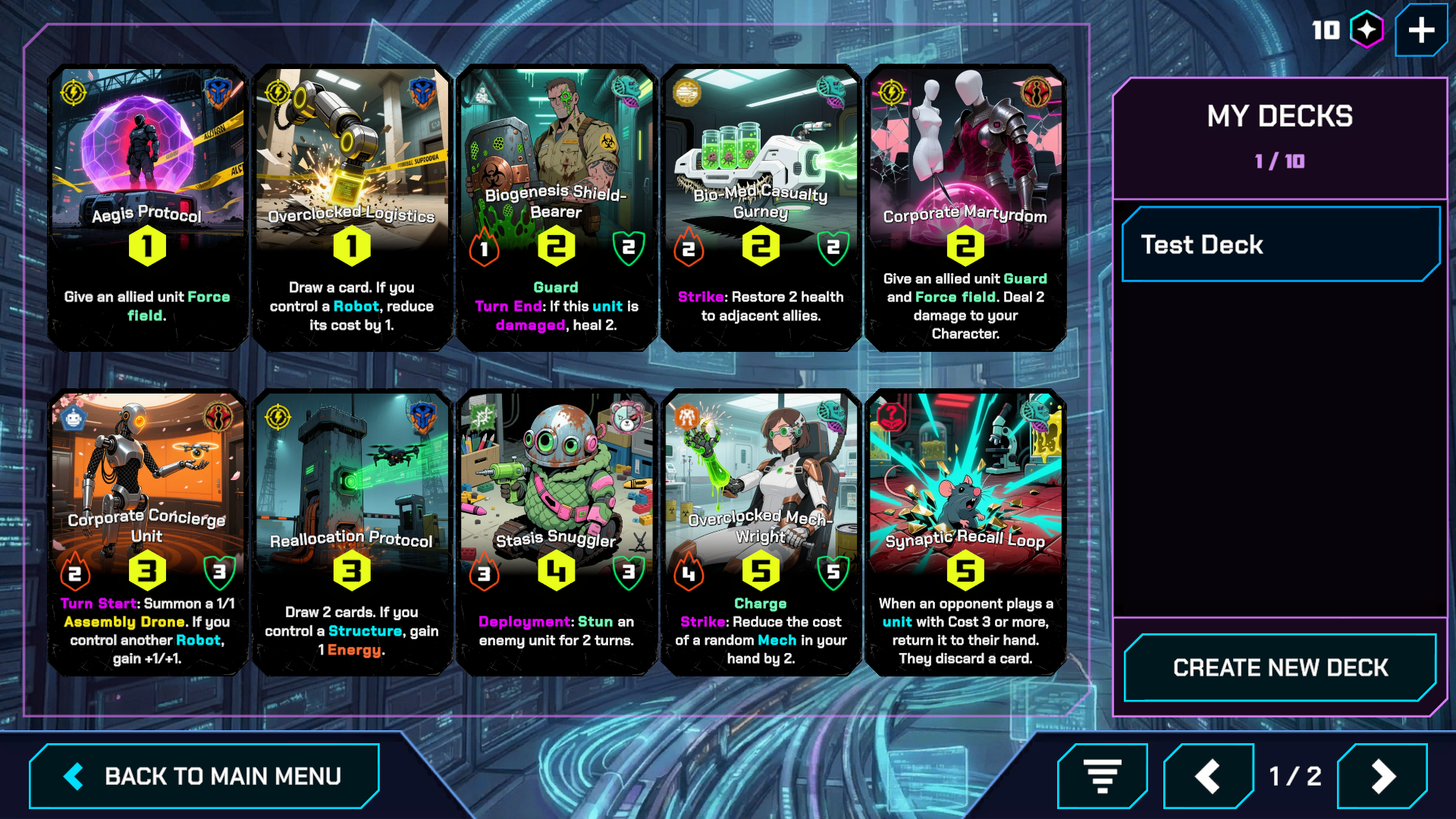
- Unique: Card stats, mechanics, and art are generated on demand. Since no two decks are identical, winning isn't about copying an online guide—it’s about adapting to a deck that didn't exist five minutes ago.
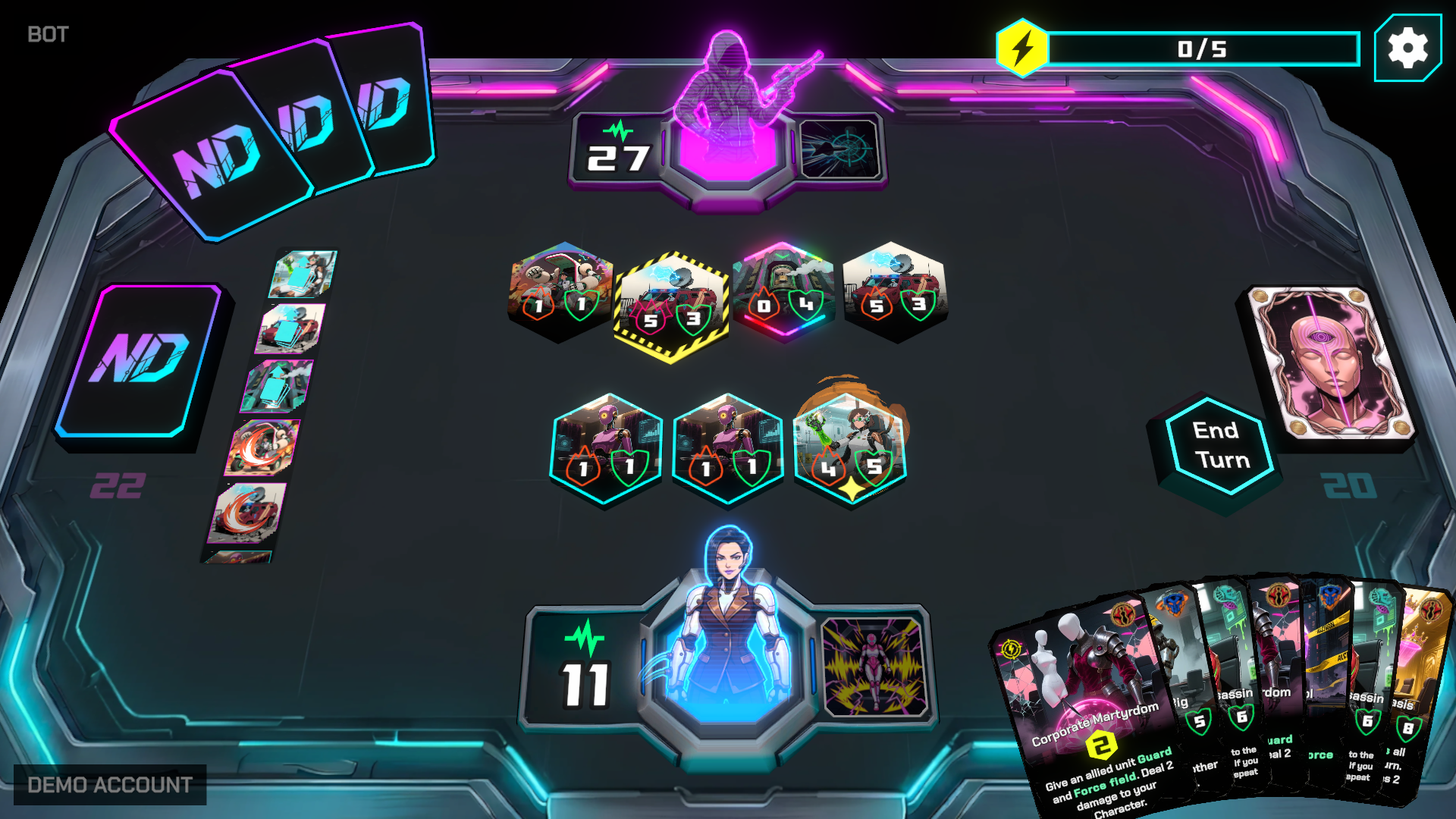
- Familiar: The core is a turn-based, 2-player tactical card battler (summon minions, cast programs, and manage resources). The basics feel natural, but the generated cards keep every match unpredictable.
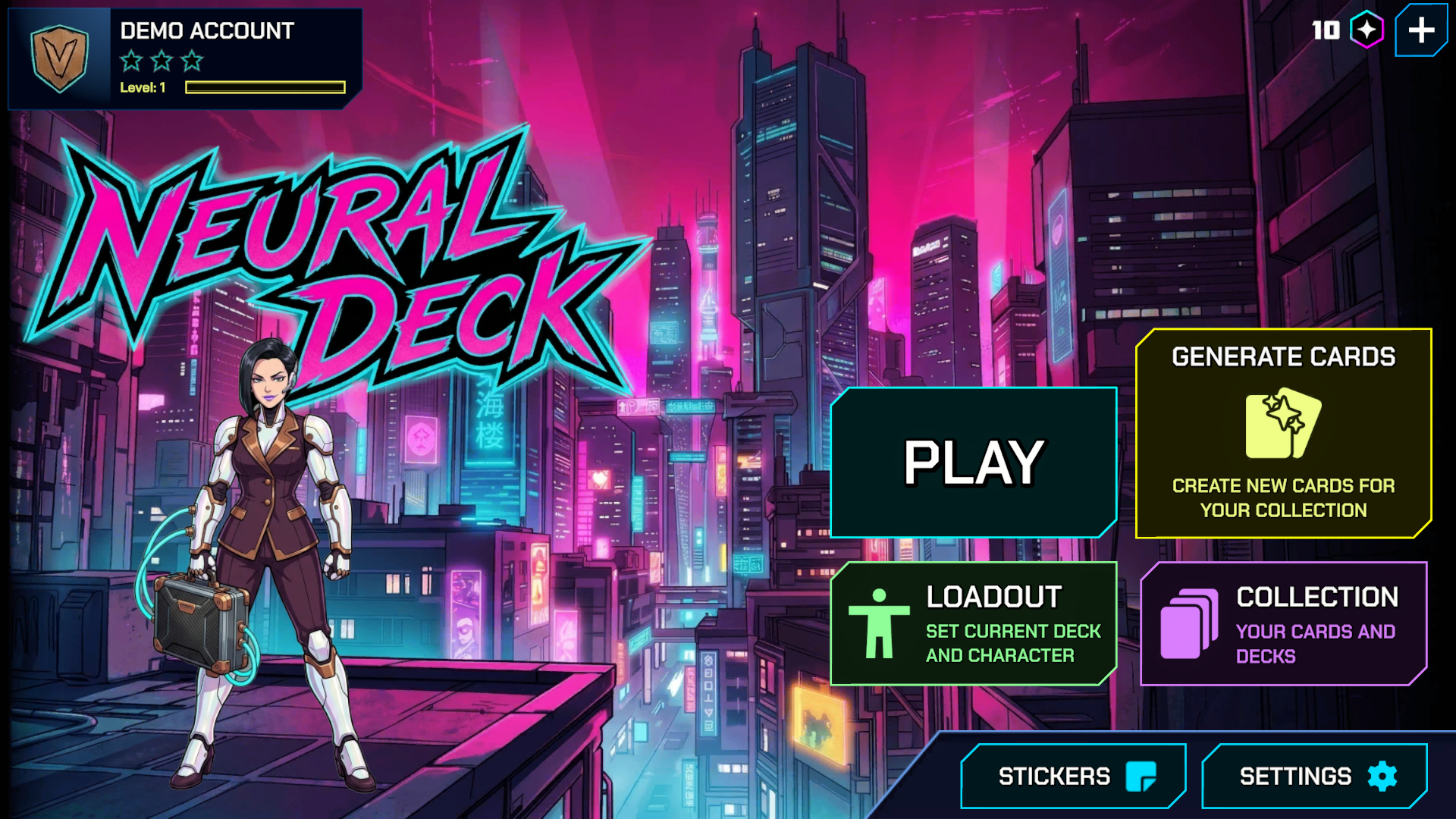
- Theme: Instead of traditional fantasy, I wanted to explore a futuristic setting. The game is set in a near-future corporate dystopia with a dark, satirical tone that explores transhumanism, corporate greed, and bizarre cybernetic experiments.
KNOWN ISSUES & LIMITATIONS:
- Generation Delays: Generations may sometimes take longer to complete if they fail validation checks.
- Balance Outliers: The generation algorithm is constantly being tuned, so you may occasionally see cards or characters that are unusually weak or strong.
- Visuals and Sounds: Some visuals and sound effects are currently missing or unpolished.
I am currently working to resolve these issues and add more features to the game. You are welcome to give feedback.
Neural Deck is an ongoing experimental project. Download it for free on PC or Mobile Google Play, view player profiles on the Website, and join our Discord to share your ideas, report bugs, and help shape the project.
Download
Install instructions
How to Download & Play (Windows)
- Download: Click the download button to save the
.zipfile to your computer. - Extract: Right-click the downloaded
.zipfile and select "Extract All..." (do not run the game directly from inside the ZIP folder, as it may not load correctly). - Launch: Open the newly extracted folder and double-click the
.exefile to start playing.
Note: Because this is an indie game, Windows Defender SmartScreen might show a warning. If it does, simply click "More info" and then select "Run anyway".
Also available on

Comments
Log in with itch.io to leave a comment.
Bug Fix: Fixed an issue where usernames were failing to submit.